Safe Move
Clone your Android on the same Wi‑Fi
Move photos, videos, apps, contacts, and files between phones on your local network. Peer-to-peer — transfer payloads stay off our cloud.
Free to start · Optional purchases via Google Play
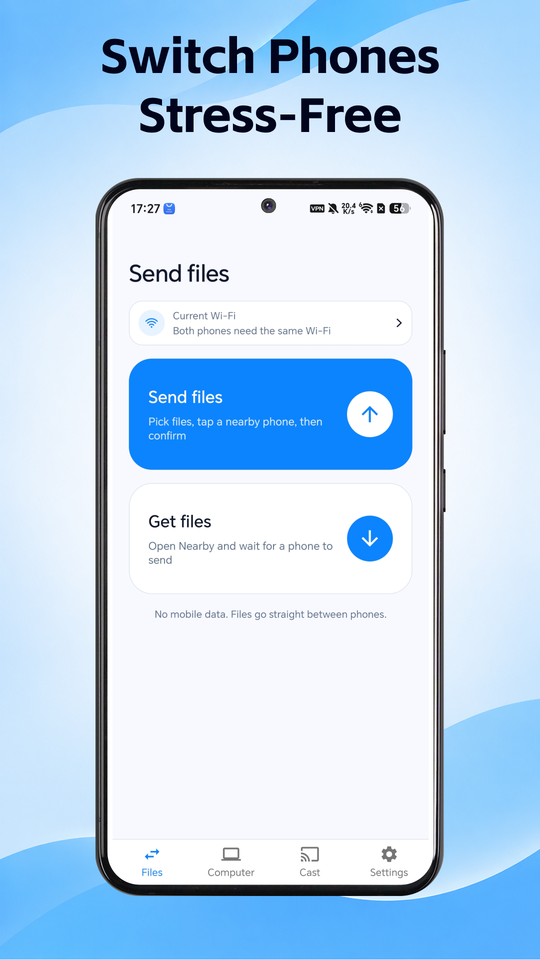
Two modes on one local network
Switch phones or send a few files — discovery and transfer run on your Wi‑Fi
Mode 01
Phone clone
Move photos, videos, music, files, apps, contacts, and SMS exports to a new Android phone on the same Wi‑Fi.
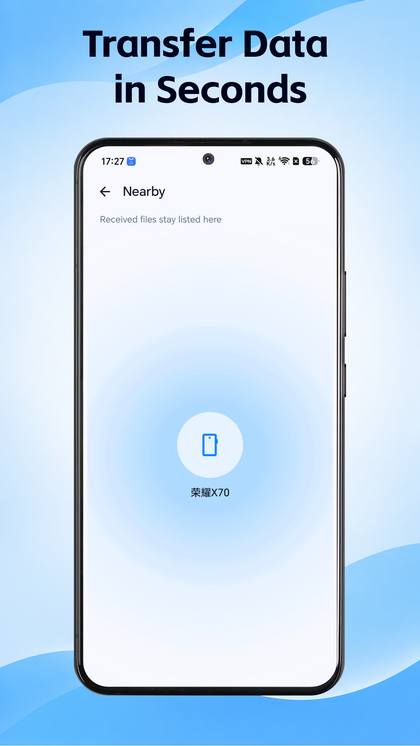
Mode 02
File share
Send selected folders and files between nearby devices when you only need a few items.
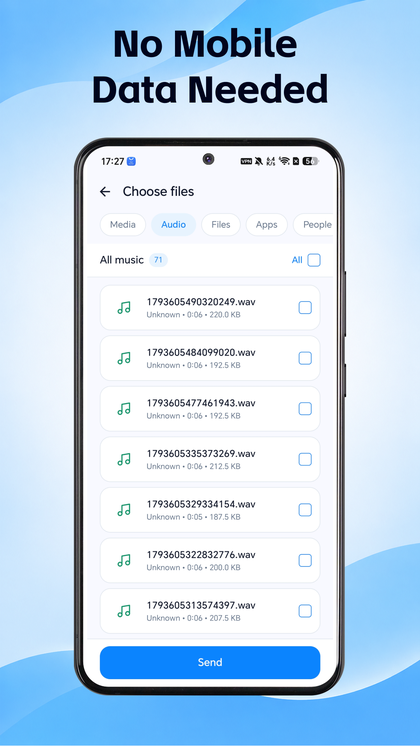
Stays on your Wi‑Fi
Connect with a QR code, a short code, or nearby devices. Transfer payloads are not uploaded to our cloud.
From connect to transfer
Scan, enter a code, or pick a nearby device — then choose what to move
How it works
Three steps from install to your first transfer
-
Install on both phones
Get Safe Move from Google Play on the phones you want to connect.
-
Join the same Wi‑Fi
Connect with a QR code, a short connection code, or nearby-device discovery.
-
Clone or share
Pick phone clone or file share, choose categories or files, and transfer on your network.
A few clear notes
- Safe Move is for local Wi‑Fi peer-to-peer clone and file transfer. Transfer content is sent device-to-device on your network, not uploaded to our cloud as a core feature.
- The free experience may include ads. Optional in-app purchases are billed only through Google Play. This website never shows prices or takes payment.
- For privacy details, see our Privacy Policy.