Phone clone
Move photos, videos, music, files, apps, contacts, and SMS exports to a new Android phone on the same Wi-Fi.
Phone clone · local Wi-Fi only
Clone a phone or share files between Android devices on the same network. Photos, videos, apps, contacts, and more — peer-to-peer, on your Wi-Fi.
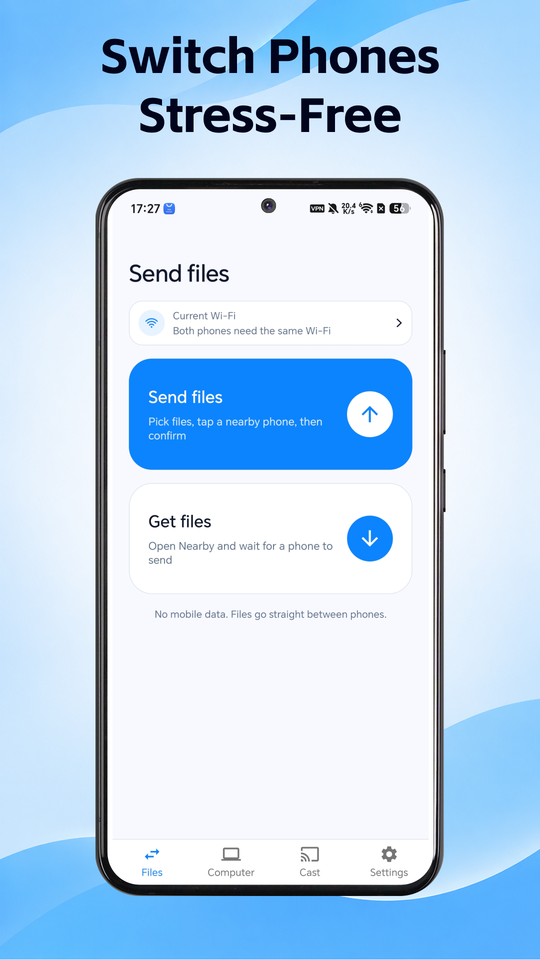
Built for switching phones and sharing files without sending your data through our servers.
Move photos, videos, music, files, apps, contacts, and SMS exports to a new Android phone on the same Wi-Fi.
Send selected folders and files between devices nearby — quick peer-to-peer transfer when you only need a few items.
Discovery and transfer run over the local network with QR, a short code, or nearby devices — transfer payloads are not uploaded to our cloud.
Scan, code, or nearby devices — then pick what to move.
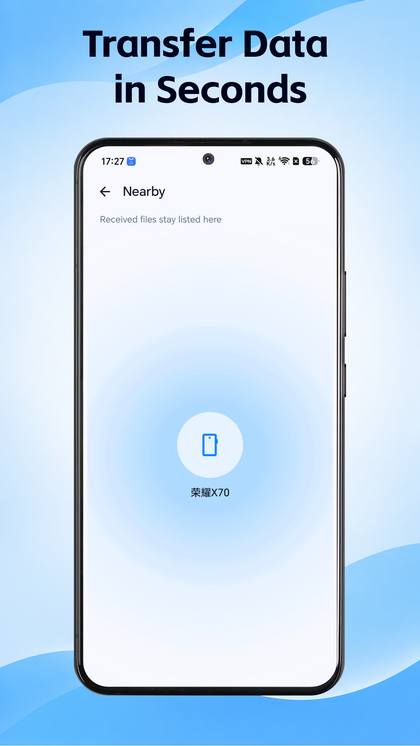
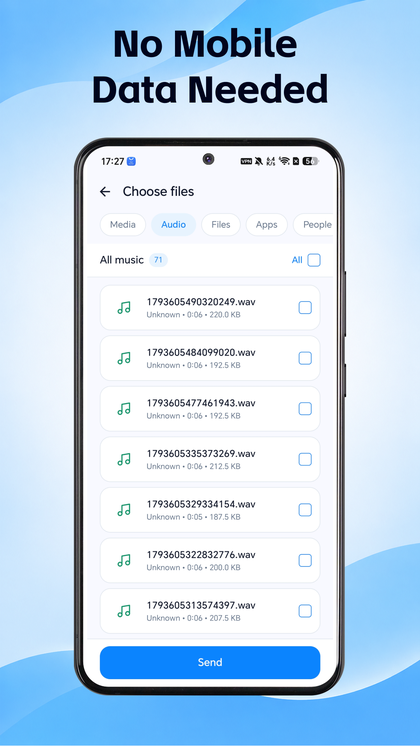
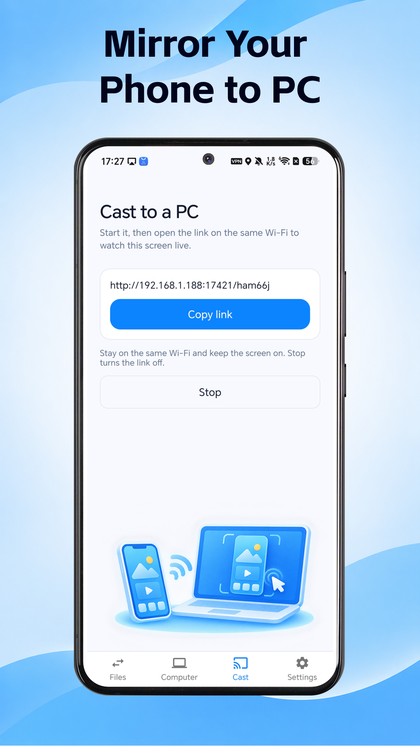
Three short steps from install to your first transfer.
Get Safe Move (package com.linknova.axsjbj) from Google Play on the phones you want to connect.
Connect with a QR code, a short connection code, or nearby-device discovery.
Pick phone clone or file share, choose categories or files, and transfer over your local network.
Download Safe Move on Google Play and start on your Wi-Fi.
Get on Google Play